
How to Prevent Smishing: 7 Proven Strategies to Stop SMS Phishing Attacks
Smishing attacks are on the rise, targeting your personal information through seemingly innocent text messages.
Like a digital pickpocket, these SMS phishing attempts can steal your identity, drain your bank account, and compromise your personal data before you realize what’s happened.
The good news? With the right knowledge and tools, you can effectively prevent smishing attacks and protect yourself from these increasingly sophisticated scams.
In this comprehensive guide, we’ll explore what smishing is, how to identify common attack patterns, and provide you with 7 proven strategies to shield yourself from these deceptive text message threats.
Whether you’ve already been targeted or want to stay one step ahead of scammers, these actionable tips will help you navigate the dangerous waters of SMS phishing with confidence.
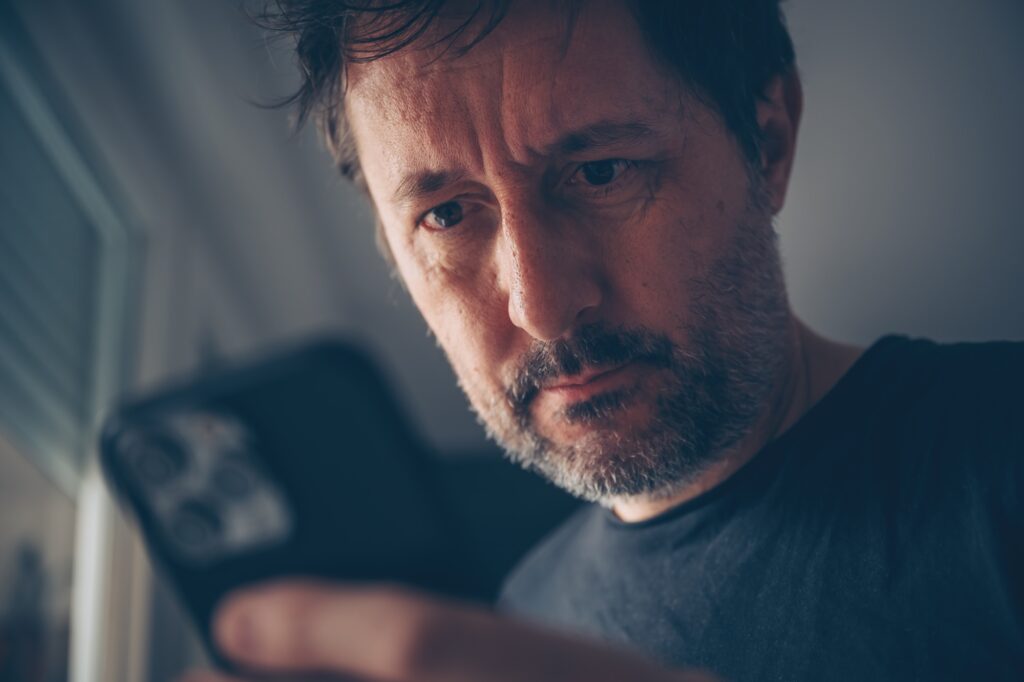
Smishing attacks use deceptive text messages to trick you into revealing sensitive information
What is Smishing? Understanding the Threat
Smishing (a combination of “SMS” and “phishing”) is a type of social engineering attack that uses text messages to deceive recipients into revealing sensitive information such as passwords, credit card numbers, or account details. Unlike traditional email phishing, smishing exploits the immediate and personal nature of text messaging, making it particularly effective.
These attacks typically involve messages that appear to come from trusted sources—your bank, delivery services, or government agencies—creating a false sense of urgency that prompts quick, often unthinking responses. The goal is simple: to trick you into clicking malicious links, downloading harmful apps, or providing personal information that can be used for identity theft or financial fraud.
Why Smishing is Dangerous: Most people are less cautious with text messages than emails, checking them quickly while on the go. Smishing exploits this behavior, catching you when your guard is down. Additionally, mobile screens make it harder to spot suspicious URLs or sender details.
The consequences of falling victim to a smishing attack can be severe, including unauthorized purchases, identity theft, account takeovers, and even complete device compromise through malware installation. With smishing attacks increasing by over 328% in recent years, understanding how to prevent these threats has never been more important.
Smishing is just one piece of a much larger threat landscape that cybercriminals actively exploit. Attackers are constantly expanding their playbook — from phishing your inbox to compromising the physical devices you interact with every day. Understanding methods attackers use against PoS machines is a useful reminder that no single entry point is off-limits. The more you understand how these attacks work across different vectors, the better equipped you are to spot the warning signs before any real damage is done.
Common Smishing Tactics: Real-World Examples
Recognizing smishing attempts is your first line of defense. Here are five real-world examples of common smishing tactics that you should be aware of:
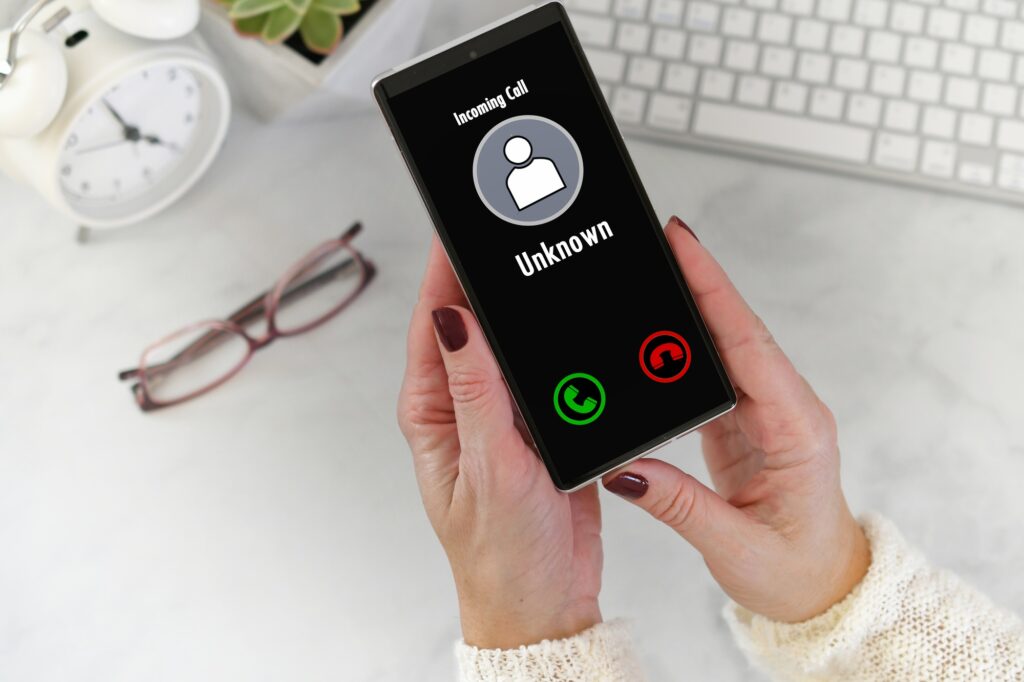
Examples of common smishing text messages you might receive
1. Fake Delivery Notifications
“Your package [#12345] is pending delivery. Please update delivery preferences: http://tinyurl.com/fk3-delivery”
These messages impersonate shipping companies like FedEx, UPS, or Amazon, claiming you need to update delivery information or pay a small fee to receive your package. The links typically lead to fake websites designed to steal your personal and financial information.
2. Bank Fraud Alerts
“ALERT: Unusual activity detected on your [BANK] account. Account temporarily suspended. Verify your identity: http://bank-verify.co/secure”
These messages create immediate panic by suggesting your bank account has been compromised. They often include threatening language about account suspension to pressure you into clicking links that lead to convincing but fraudulent banking portals.
3. COVID-19 Related Scams
“You’ve been in contact with someone who tested positive for COVID-19. Click here for more information and testing options: http://covid19-alert.info”
Taking advantage of health concerns, these messages claim to be from health authorities with information about COVID exposure, test results, or vaccine appointments. They exploit fear to collect personal information or spread malware.
4. Prize or Gift Card Notifications
“Congratulations! You’ve been selected to receive a $1,000 Amazon gift card. Claim now (24hrs only): http://claim-prize.net/amazon”
These messages offer enticing rewards or gift cards from popular retailers. The “too good to be true” offers require you to enter personal information or pay a small “processing fee” to claim your non-existent prize.
5. Account Verification Messages
“Your Apple ID was used to sign in on a new device. If this wasn’t you, verify your account now: http://apple-id-verify.com”
These messages impersonate popular services like Apple, Google, or social media platforms, claiming suspicious activity on your account. They create urgency to “verify” your account through fake login pages designed to steal your credentials.
WARNING: Never click links in unexpected text messages, even if they appear to come from trusted organizations. Legitimate companies will never ask for sensitive information via text message.
7 Proven Strategies to Prevent Smishing Attacks
Protecting yourself from smishing attacks requires a combination of technical solutions, behavioral changes, and ongoing vigilance. Here are seven proven strategies to help you prevent SMS phishing attacks:
Implement these 7 strategies to protect yourself from smishing attacks
1. Enable SMS Filtering and Spam Protection
Most modern smartphones come with built-in filtering capabilities that can detect and block potential smishing attempts before they reach you. These technical solutions provide an important first line of defense:
Of course, enabling these built-in filters is only half the equation — you also need to confirm that legitimate messages are actually getting through. Running structured SMS delivery testing protocols helps you verify that your carrier filters and device-level settings aren’t inadvertently blocking trusted senders alongside the suspicious ones. A misconfigured filter that silences your bank’s real alerts is almost as problematic as letting a smishing attempt slip through, so routine testing keeps your defenses sharp without sacrificing reliable communication.
- iPhone users: Enable “Filter Unknown Senders” in your Messages settings to separate messages from unknown numbers into a separate list.
- Android users: Use the built-in spam protection feature in the Messages app, which warns you about suspected spam and allows you to block and report suspicious messages.
- Carrier-based filtering: Contact your mobile carrier about their spam filtering services, which can block suspicious messages at the network level before they reach your device.
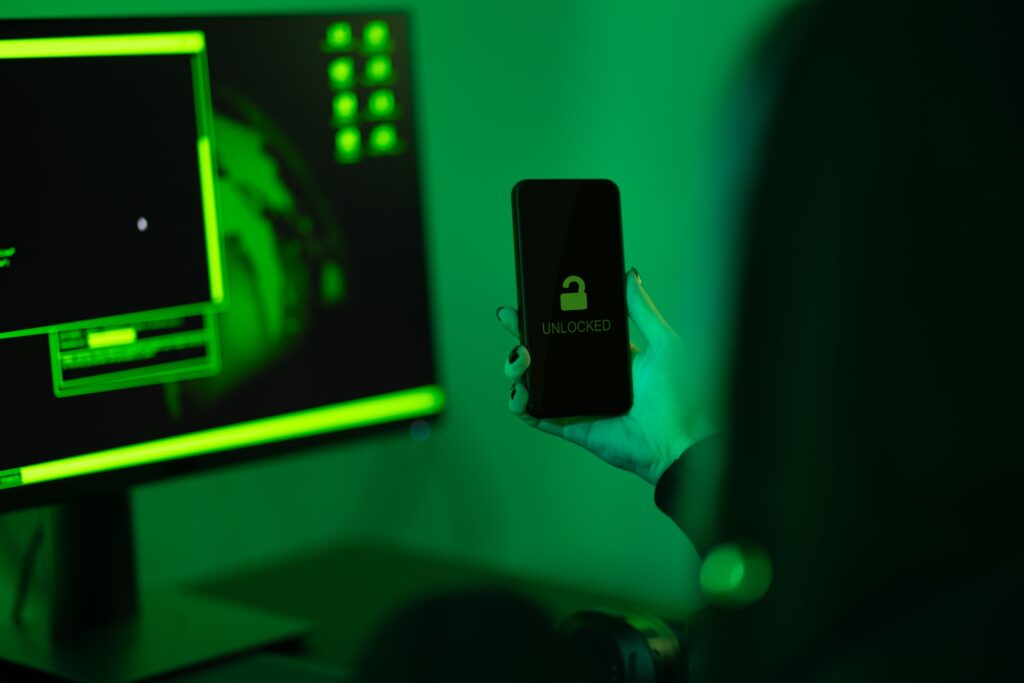
Enable SMS filtering in your phone settings for an added layer of protection
2. Never Click Links or Call Numbers in Suspicious Texts
The most effective behavioral defense against smishing is to avoid interacting with suspicious messages entirely:
- Avoid clicking any links in text messages, especially those from unknown numbers or that create a sense of urgency.
- Don’t call phone numbers provided in suspicious text messages—they may connect you to scammers posing as customer service representatives.
- If you think a message might be legitimate, manually navigate to the company’s official website or app, or call their official customer service number from their website.
IMPORTANT: Even previewing or clicking a link can sometimes trigger malware downloads or confirm to scammers that your number is active, leading to more scam attempts.
3. Implement Multi-Factor Authentication (MFA)
Adding an extra layer of security to your accounts can prevent unauthorized access even if your credentials are compromised through a smishing attack:
- Enable MFA on all important accounts, especially financial services, email, and social media.
- Use authentication apps like Google Authenticator or Authy rather than SMS-based verification when possible, as SMS verification can be vulnerable to SIM swapping attacks.
- Consider using hardware security keys for the highest level of protection for critical accounts.

Multi-factor authentication adds a crucial second layer of security to your accounts
4. Verify Sender Authenticity
Learning to verify the authenticity of message senders is crucial for preventing smishing attacks:
- Check the sender’s phone number—legitimate organizations typically use consistent, identifiable numbers or short codes.
- Be suspicious of messages from unknown or unusual numbers, especially those with strange formats or that appear to be regular phone numbers for official communications.
- Contact companies directly through their official channels if you’re unsure about a message’s legitimacy—never use the contact information provided in the suspicious message itself.
How to Verify a Message’s Legitimacy
- Don’t respond to the message or click any links
- Look up the company’s official contact information online
- Call the official number and ask about the message
- Check your account directly through the official app or website
- Report suspicious messages to your carrier and the FTC
5. Keep Your Devices Updated
Maintaining updated software is a critical technical measure for preventing smishing attacks:
- Regularly update your phone’s operating system to ensure you have the latest security patches.
- Keep all apps updated, especially messaging apps and security software.
- Consider installing reputable mobile security apps that can detect and block phishing attempts and malicious links.
Regular software updates include critical security patches that protect against the latest threats
6. Educate Yourself and Others
Knowledge sharing is a powerful preventive measure, especially for protecting vulnerable individuals:
- Stay informed about the latest smishing tactics and scams through reputable cybersecurity news sources.
- Discuss smishing awareness with friends and family, especially those who might be more vulnerable to such attacks.
- Practice identifying suspicious messages by reviewing examples of common smishing attempts.
Share This Knowledge
Help protect your friends and family from smishing attacks by sharing this guide with them. The more people who can recognize these scams, the less effective they become.
7. Use Dedicated Security Apps
Specialized security applications can provide additional protection against smishing attempts:
- Install reputable anti-phishing apps that can scan links in text messages before you click them.
- Consider using privacy-focused messaging apps for sensitive communications.
- Look for security solutions that offer real-time scanning of incoming messages for phishing attempts.
Dedicated security apps can provide specialized protection against smishing attacks
Benefits of Anti-Smishing Apps
- Real-time scanning of incoming messages
- Automatic detection of suspicious links
- Warning notifications before you interact with threats
- Regular updates to detect new scam patterns
- Additional privacy protection features
Limitations to Consider
- May not catch 100% of sophisticated attacks
- Some apps require access to your messages
- Premium features often require subscription
- Can occasionally flag legitimate messages
- Not a replacement for personal vigilance
What to Do If You’ve Been Targeted by a Smishing Attack
Even with preventive measures in place, you might still encounter smishing attempts. If you suspect you’ve been targeted or have accidentally engaged with a smishing message, take these immediate steps:
Keep in mind that a compromised device doesn’t just put your personal data at risk — it can open a backdoor into your entire home or business network. Once a hacker has a foothold through a smishing-delivered payload, they can move laterally across connected devices without you ever noticing. That’s why, alongside securing your phone, you should also know your network intrusion detection warning signs so you can spot unauthorized access before the damage spreads.
Follow this response plan if you suspect you’ve been targeted by a smishing attack
- Don’t panic, but act quickly. Time is critical if you’ve shared sensitive information.
- Document the message. Take screenshots of the suspicious text for reporting purposes.
- Report the message to your mobile carrier by forwarding it to 7726 (SPAM), which helps carriers identify and block scammers.
- Report to authorities. File a report with the FTC at ReportFraud.ftc.gov and with the FBI’s Internet Crime Complaint Center (IC3).
- Change compromised passwords immediately if you’ve shared account credentials or clicked suspicious links.
- Contact financial institutions if you’ve shared banking details or credit card information.
- Monitor your accounts for suspicious activity and consider setting up fraud alerts with credit bureaus.
- Run a security scan on your device to check for malware if you clicked links or downloaded anything.
ACT FAST: If you’ve shared financial information, contact your bank or credit card company immediately. Most have 24/7 fraud departments that can freeze accounts and limit damage.
Recommended Tools and Resources to Prevent Smishing
Equip yourself with these effective tools and resources to enhance your protection against smishing attacks:

Anti-Smishing Apps and Tools
Lookout Security
Provides real-time scanning of text messages and links, with alerts for phishing attempts and malicious websites.
Bitdefender Mobile Security
Offers comprehensive protection including web filtering that blocks malicious links in text messages and other sources.
Truecaller
Identifies and blocks spam calls and messages, with a community-based system for reporting new smishing attempts.
Official Reporting Channels
| Organization | How to Report | What to Include | Why It Helps |
|---|---|---|---|
| Federal Trade Commission (FTC) | ReportFraud.ftc.gov | Screenshots, sender info, date/time, any personal info shared | Helps identify trends and pursue legal action against scammers |
| Mobile Carriers | Forward text to 7726 (SPAM) | The entire message as received | Helps carriers block numbers and improve filtering systems |
| FBI Internet Crime Complaint Center (IC3) | IC3.gov | Detailed account of the incident, financial losses, suspect information | Contributes to investigations and prosecution of cybercriminals |
| Impersonated Organization | Official fraud email/phone | Screenshots, sender details, any action taken | Allows companies to warn customers and improve security measures |
Educational Resources
Stay informed with these trusted educational resources about smishing prevention
Government and Official Resources
Cybersecurity Organizations
Download Our Free Smishing Prevention Checklist
Get our comprehensive checklist that you can use to verify suspicious messages and protect yourself from smishing attacks. Print it out or save it to your phone for quick reference.
Stay Vigilant: Your Best Defense Against Smishing
As smishing attacks continue to evolve in sophistication, your awareness and vigilance remain the most powerful tools in your defense arsenal. By implementing the seven prevention strategies outlined in this guide—from enabling technical protections to adopting cautious behaviors—you can significantly reduce your risk of falling victim to these deceptive SMS phishing attempts.
Remember that protecting yourself from smishing is an ongoing process, not a one-time effort. Stay informed about new tactics, regularly update your security measures, and maintain a healthy skepticism toward unexpected text messages, especially those creating urgency or requesting personal information.

With the right knowledge and tools, you can confidently protect yourself from smishing attacks
Most importantly, share this knowledge with others—especially those who might be more vulnerable to such attacks. Digital security is a collective responsibility, and by educating your friends, family, and colleagues about smishing prevention, you contribute to making these attacks less effective and profitable for cybercriminals.
“The best defense against social engineering attacks like smishing is a combination of technological solutions and human awareness. When we know what to look for, these scams lose their power.”
— Cybersecurity expert
Help Others Stay Protected
Forward this guide to friends and family who might be vulnerable to smishing attacks. The more people who can recognize these scams, the safer we all become.